
Step 01
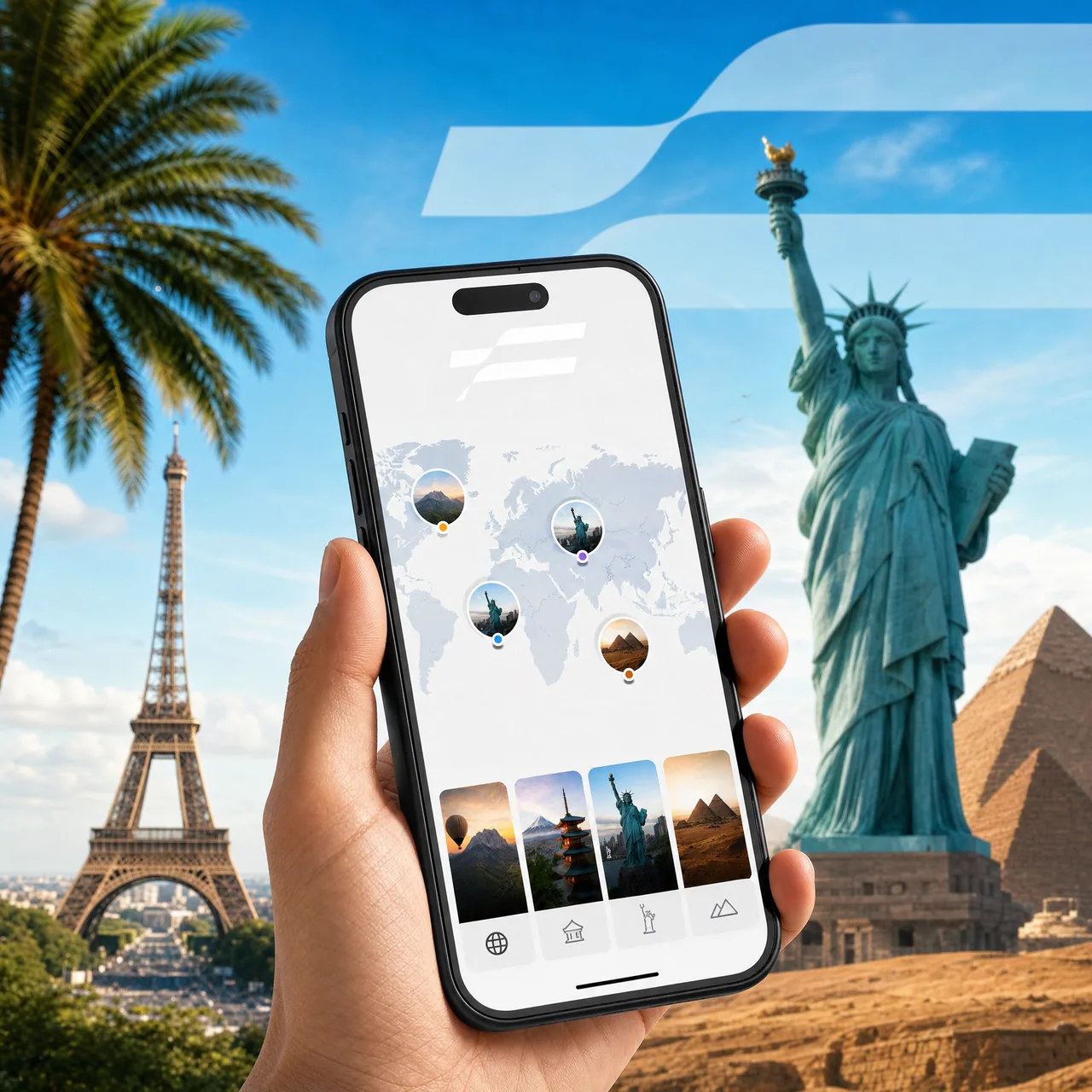
Choose your destination
Browse 110+ country plans. Pick the data and duration that fits your trip — top up later if you need more.
Step 02
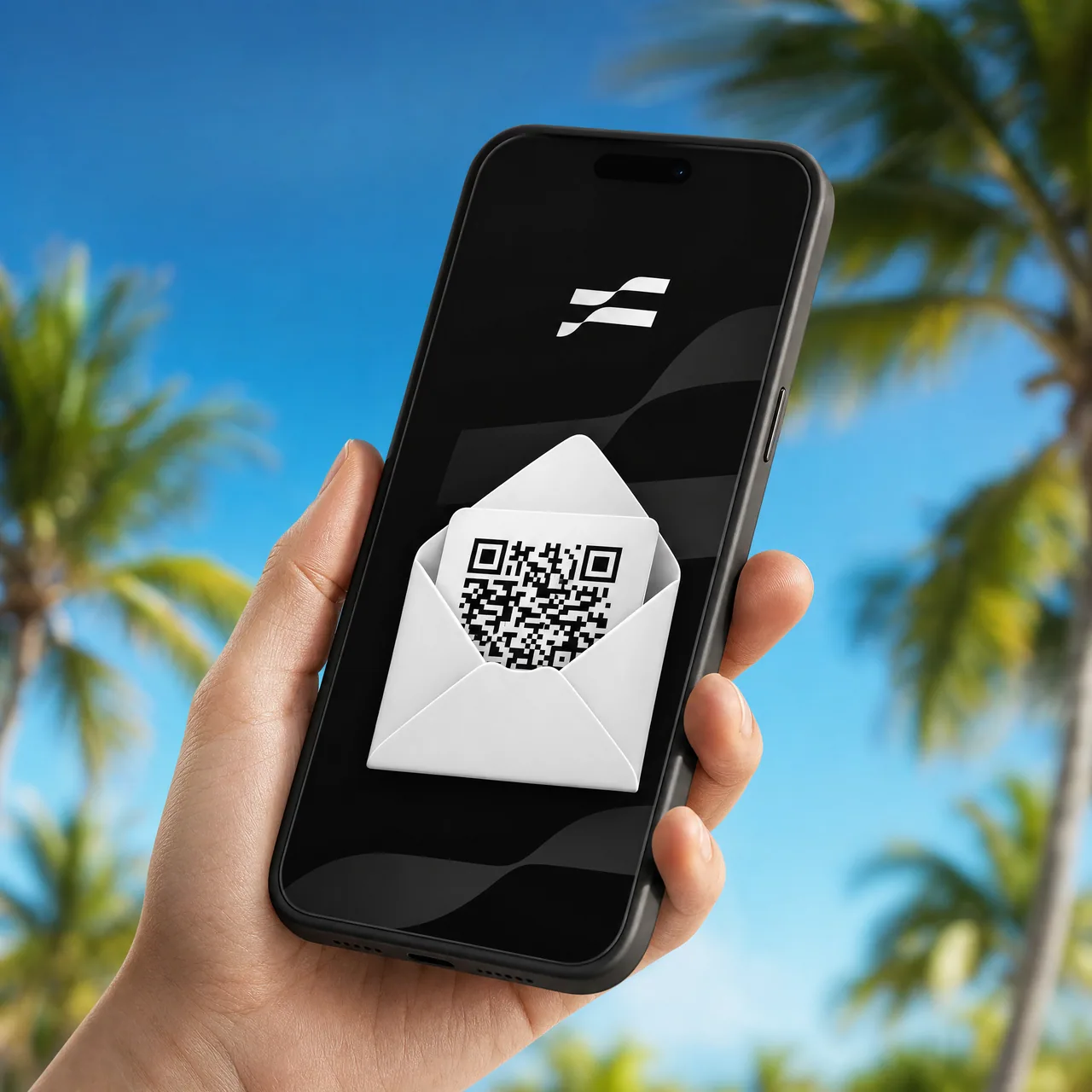
Get your QR code instantly
Your eSIM QR code is available instantly in your account after checkout. Save it, print it, or scan it directly from another device.
Step 03
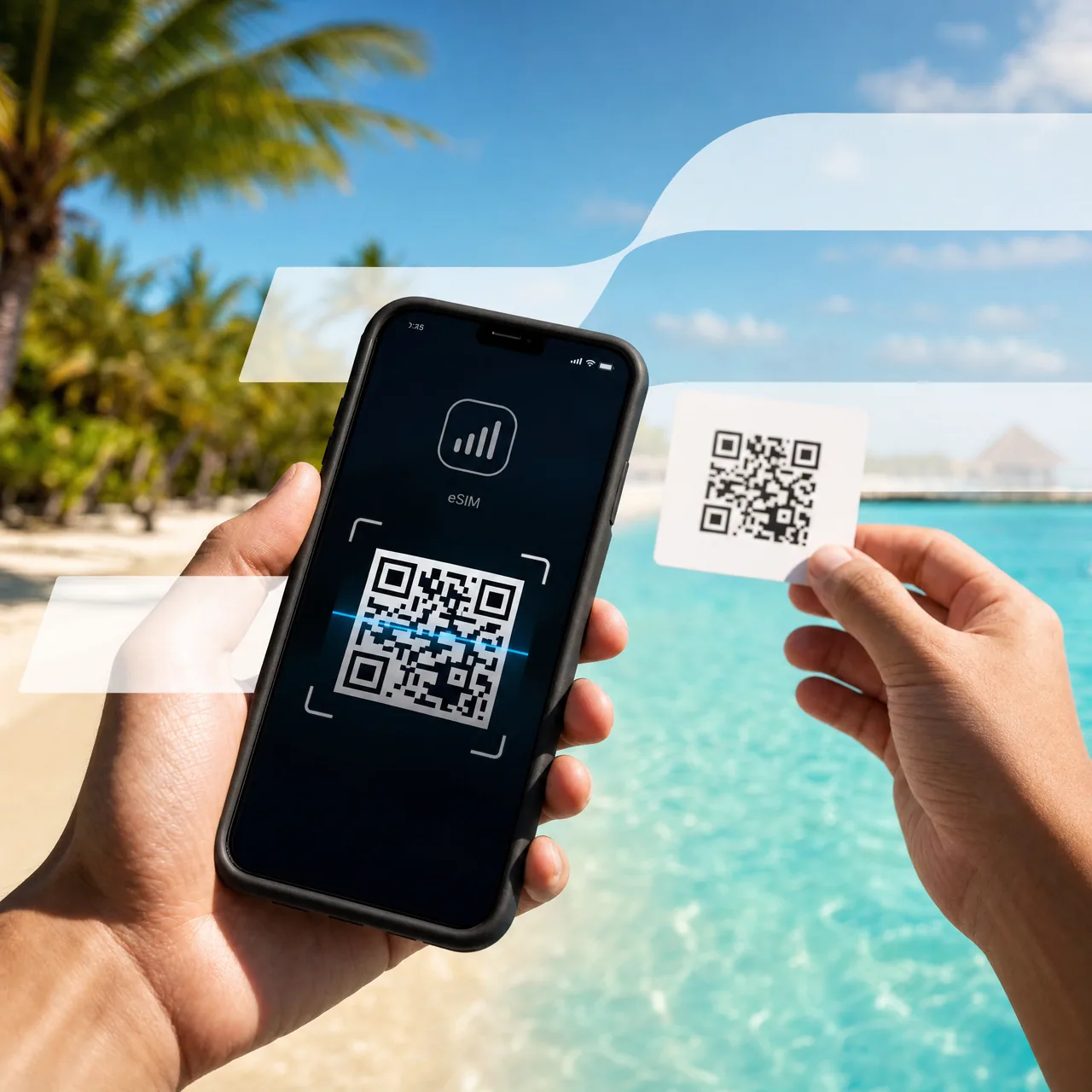
Scan & connect
Open Settings → Cellular → Add eSIM and scan the code. Your eSIM activates the moment you arrive at your destination.
Frequently asked
Quick answers about eSIM compatibility and activation.
Most phones from 2018 onward support eSIM — including iPhone XS+, Google Pixel 3+, Samsung Galaxy S20+, and many newer mid-range devices. We check compatibility automatically before you buy.
It starts when you first connect to a network in your destination country. Buy in advance, scan when you arrive — your validity period only begins on first connection.
Yes. eSIM runs as a second line alongside your physical SIM, so calls and texts on your home number keep working while you use the eSIM for data.
Top up directly in the Mobinil app — new data is added to your existing plan instantly. No need to re-scan or reinstall.